Fiber Distribution Panel Selection Guide
By Jergeo Engineering Team | Updated August 2026 · 11 min read
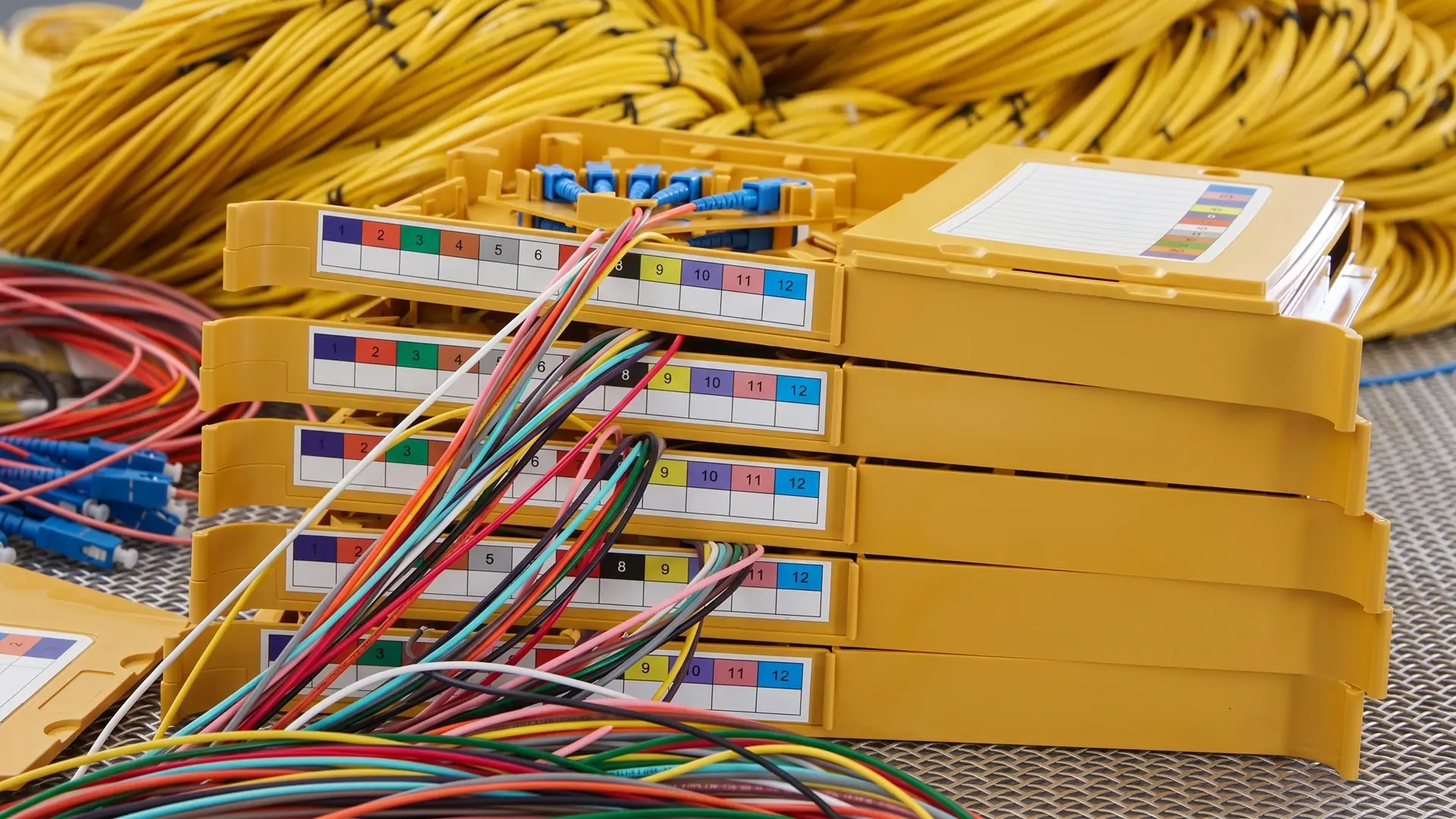
A fiber distribution panel is the point where incoming fiber cables meet the equipment that uses them. It terminates cables, protects splice points, and gives technicians a clean, labeled set of adapter ports to patch through to switches, OLTs, or customer lines. Get the wrong panel — too few ports, bad connector type, or no room for cable management — and you'll spend more on troubleshooting than the panel ever cost.
Summary
A fiber distribution panel terminates and organizes fiber connections in a structured, accessible enclosure. Selection depends on fiber count (12-144 ports typical), mounting type (wall-mount for small deployments, rack-mount for data centers), connector type (LC for enterprise, SC for FTTH), and environment (indoor vs outdoor-rated). Add 15-20% spare capacity for future growth.
This guide covers the decision points that actually matter when you're spec'ing a panel for a real project. Not marketing fluff — the parameters that determine whether the panel works or becomes a headache six months after installation.
What is a fiber distribution panel
A fiber distribution panel is a passive enclosure that provides three core functions in a fiber optic network:
- Termination: incoming fiber cables are stripped and individual fibers are spliced to pigtails connected to front-panel adapters
- Cross-connect: patch cords route from the front panel to active equipment (switches, OLTs, ONTs, or customer CPE)
- Protection: the enclosure shields splice points from physical damage, dust, moisture, and bending beyond the minimum bend radius
You'll find these panels in data centers, telecom central offices, FTTH distribution points, enterprise wiring closets, and CATV headends. They are passive — no power, no electronics. That means they need to last 20+ years without replacement. Build quality is not optional.
The term "fiber distribution panel" is sometimes used interchangeably with "fiber patch panel," "ODF," or "distribution frame." There are differences between these, which we cover in our ODF vs patch panel comparison. For this guide, we're focusing on the selection criteria that apply across all types.
Types of fiber distribution panels
The two main axes of classification are mounting style and environment rating. Most projects require a decision on both.
Wall-mount vs rack-mount
Wall-mount panels are compact enclosures (typically 12-48 ports) that bolt directly to a wall. They're common in small FTTH deployments, building entry points, and enterprise wiring closets where rack space is limited or nonexistent.
| Parameter | Wall-mount | Rack-mount |
|---|---|---|
| Port range | 12-48 ports | 12-144 ports |
| Space required | Minimal — uses wall surface | Standard 19" rack bay |
| Typical use | Small FTTH nodes, closets | Data centers, central offices |
| Cable management | Basic routing channels | Splice trays, slack storage, organized routing |
| Scalability | Fixed capacity | Modular — add modules as needed |
| Installation cost | Lower | Higher (requires rack infrastructure) |
From our field experience, wall-mount panels work well for deployments under 48 fibers. Beyond that, you need the splice management and cable routing that rack-mount units provide. We've seen wall-mount panels with 48+ fibers turn into a rat's nest within a year because there's simply not enough room for proper slack storage.
Indoor vs outdoor
This is not a "prefer one over the other" decision — it's determined by where the panel lives. Indoor panels go in climate-controlled spaces (server rooms, equipment rooms). Outdoor panels go in street cabinets, on poles, or on building exterior walls.
- Indoor panels: IP20 or IP30 rating, standard cold-rolled steel or ABS plastic, operating temp 0°C to +40°C. Cheaper, lighter, and sufficient for controlled environments.
- Outdoor panels: Minimum IP65 rating, SMC or stainless steel body, operating temp -40°C to +65°C, UV-resistant coatings. They cost 2-3x more than indoor panels but will survive rain, dust, salt spray, and temperature extremes.
A note from real installations: we once got a support request about a panel that "leaked" during monsoon season. Turned out someone had installed an indoor-rated panel in an uncovered outdoor cabinet. The panel itself was fine — the specification was wrong. Always check the IP rating against your actual deployment environment, not the ideal one on the drawings.
Key factors in fiber distribution panel selection
Fiber count and spare capacity
Start with your total fiber count at the termination point. Then add 15-20% spare capacity. This isn't padding — it's the difference between a panel that serves you for 10 years and one you outgrow in 18 months.
For example: if you're terminating a 96-fiber distribution cable, you need at minimum a 96-port panel. A 96-port panel at full capacity leaves zero room for growth, failover fibers, or new services. Specify a 120-port panel instead, and you have 24 ports for expansion without touching the infrastructure.
Our rule of thumb for common scenarios:
- FTTH distribution point (32-64 subscribers): 48-72 port panel
- Enterprise floor distribution: 24-48 port panel
- Data center top-of-rack: 24-48 port high-density panel
- Central office aggregation: 96-144 port rack panel or ODF
Connector type
The adapter type on your panel must match the patch cords and active equipment in your network. Mismatched connectors mean adapter converters everywhere, which adds insertion loss and failure points.
- LC (Lucent Connector): 1.25mm ferrule, most common in data centers and enterprise LANs. High density — a 1U panel can hold 48 LC duplex ports. The MPO vs LC comparison covers when to use each in data center environments.
- SC (Subscriber Connector): 2.5mm ferrule, push-pull coupling. Standard in FTTH/PON networks and many telecom central offices. Lower density than LC but robust and easy to handle in field conditions.
- FC (Ferrule Connector): Screw-thread coupling, mostly found in test equipment and legacy installations. Still used in some CATV and industrial applications where vibration resistance matters.
- MPO/MTP: Multi-fiber connectors (12-24 fibers per connector). Used for high-speed parallel optics (40G/100G/400G) in data centers. Require specialized panels with MPO cassettes.
If you're building a new network and have flexibility in connector choice, LC for indoor and SC for outdoor/FTTH is the combination we see most often. It keeps things compatible with the widest range of active equipment.
Space and rack compatibility
For rack-mount panels, check two things: rack unit height and rack depth.
Standard 19-inch racks accept panels in 1U to 6U heights. A 1U panel holds 12-48 ports depending on connector type. A 4U panel can hold up to 144 ports with room for splice trays and slack storage. If your rack is shallow (600mm depth), make sure the panel — with patch cords routed — doesn't protrude into the rear cable pathway.
For wall-mount panels, measure the available wall space and check the panel's external dimensions. Don't forget to account for the cable entry points — you need clearance above or below for cables to bend within their minimum bend radius (typically 30mm for G.657A2 fiber).
Environmental requirements
Beyond indoor vs outdoor, consider specific environmental factors at the installation site:
- Temperature range: Standard indoor (0 to +40°C), extended indoor/outdoor (-40 to +65°C). If the panel sits in an unheated building in a cold climate, you need the extended range.
- Humidity: Coastal or tropical installations need panels with corrosion-resistant coatings or stainless steel construction.
- Dust and sand: Desert deployments require sealed cable entries and positive-pressure ventilation in larger cabinets.
- Vandal resistance: Street-side panels may need lockable doors, tamper-detection switches, or installation behind secured fences.
According to ITU-T G.652, single-mode fiber is rated for operating temperatures down to -40°C. But the panel that houses it also needs to survive at those temperatures — which is why material choice matters as much as fiber spec.
Common application scenarios
FTTH networks
In FTTH deployments, fiber distribution panels appear at multiple points in the network:
- Central office: High-capacity ODF or rack panels (96-576 ports) connecting OLT equipment to distribution cables
- Distribution point: Wall-mount or small rack panels (24-72 ports) splitting distribution fibers to individual drop cables
- Building entry: Compact panels (12-24 ports) at the base of each building, connecting the outside plant to inside wiring
SC adapters dominate FTTH because the connector is robust, easy to install in field conditions, and compatible with most ONT equipment. For the distribution layer, a wall-mount panel with 24-48 SC ports is the typical choice. For higher-density aggregation points, rack-mount panels with 72-144 ports work better.
From our work on FTTH projects in the Middle East, we've found that specifying outdoor-rated panels (even for "sheltered" locations) saves money long-term. Dust gets everywhere, and a panel rated IP65 handles it without issues. An IP20 panel in the same environment accumulates dust on adapters within months, causing intermittent signal problems.
Data centers
Data center fiber management demands high density, clear labeling, and easy reconfiguration. The typical setup uses rack-mount panels with LC or MPO adapters.
- Top-of-rack: 1U-2U panels with 24-48 LC duplex ports, patching to switches and servers in the same rack
- Main distribution area: Higher-capacity ODFs (96-288 ports) as the central cross-connect point
- High-speed links: MPO/MTP panels for 40G/100G/400G backbone connections between switches
Cable management is critical in data centers. A panel with good slack storage and routing channels keeps the front of the rack clean and accessible. We've audited data center racks where poor cable management turned a 2-minute patch job into a 20-minute excavation. The panel itself was cheap — the operational cost was enormous.
Enterprise networks
Enterprise fiber distribution is usually simpler than data center or FTTH. Typical deployments use wall-mount or small rack-mount panels in telecom closets on each floor.
- Building backbone: Fiber between the main equipment room (MER) and floor telecom closets, terminated in 12-24 port panels
- Horizontal distribution: Copper from the floor closet to work areas, with fiber panels serving as the backbone termination point
- Campus links: Outdoor-rated panels in buried or pedestal enclosures connecting buildings
For enterprise projects, LC panels are the default. Most enterprise switches use LC SFP+ or SFP28 transceivers, so matching the panel connector to the equipment connector avoids adapter conversions.
Installation and maintenance best practices
During installation
- Document everything before you start. Photograph the rack layout, cable entry paths, and existing equipment. Label the panel location on your cable schedule. This takes 10 minutes and saves hours during future troubleshooting.
- Route cables in correct color order. Follow the TIA-606-C color coding standard for fiber identification. Blue, orange, green, brown — the sequence matters when someone else needs to trace a fiber two years from now.
- Respect the bend radius. Minimum bend radius for G.657A2 fiber is 10mm during installation, 5mm long-term. For G.652D, it's 30mm during installation, 15mm long-term. Every bend tighter than spec adds loss and risks breakage.
- Leave slack — but manage it. 1-2 meters of spare fiber per termination is standard. Store it in the panel's slack storage area, loosely coiled. Don't stuff it behind the panel where it gets crushed when the door closes.
- Clean before you connect. Every connector should be inspected and cleaned before mating. According to FOA best practices, connector contamination is the number one cause of fiber link failures.
Ongoing maintenance
- Inspect connectors during every patch change. When adding or moving a patch cord, check the adapter end face. A quick visual inspection catches contamination before it causes problems.
- Update documentation after every change. If someone patches a cord and doesn't update the port assignment sheet, the documentation becomes useless within months. Make it part of the patching procedure.
- Check seals on outdoor panels annually. Inspect gaskets, cable entry seals, and door weatherstripping. Replace anything that looks cracked or compressed. A small gap lets in water that freezes and expands in winter, cracking the panel body.
- Run OTDR tests periodically. An OTDR trace through each fiber link reveals developing problems (increasing splice loss, macrobends) before they cause outages. Annual testing is reasonable for most deployments; quarterly for critical links.
For more detail on maintaining fiber connections, our connector contamination guide covers cleaning procedures and inspection tools.
Selecting a fiber distribution panel for your project
The selection process doesn't have to be complicated. Work through these steps in order:
- Count your fibers. Total incoming fiber count at the termination point, plus 15-20% spare.
- Determine the environment. Indoor (climate-controlled) or outdoor (exposed to weather, dust, temperature extremes). This determines IP rating and material.
- Choose the mounting type. Wall-mount for under 48 fibers in tight spaces. Rack-mount for higher counts or where rack infrastructure already exists.
- Select connector type. Match your active equipment: LC for data centers and enterprise, SC for FTTH, MPO for high-speed backbone.
- Check physical constraints. Rack depth, available rack units, wall space, cable entry direction (top/bottom).
- Verify the panel supports your cable types. Cable entry hole size, strain relief method, and minimum bend radius clearance.
Following this sequence eliminates most wrong-specification problems. The two most common mistakes we see: ordering the right panel with the wrong connector type, and specifying an indoor panel for a location that actually needs outdoor protection.
For larger deployments that need outdoor-rated, high-capacity enclosures, our FDC buying guide covers capacity planning, material selection, and IP rating requirements in detail.
References
- FOA Guide to Fiber Optic Installation — The Fiber Optic Association reference on installation practices and connector handling
- ITU-T G.652 — Characteristics of single-mode optical fiber and cable
Related Products
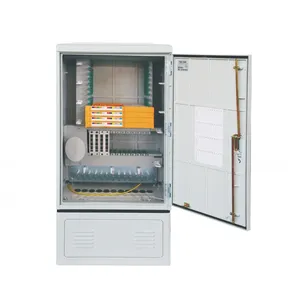
JFDC-144A Fiber Distribution Cabinet
144-port outdoor cabinet for FTTH distribution networks
View Product →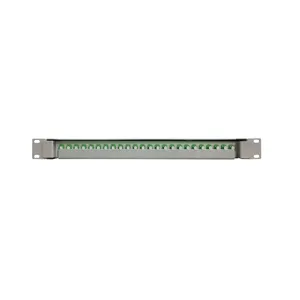
JODF-U3A Optical Patch Panel
Sliding-type rack-mount panel with rotary fiber management
View Product →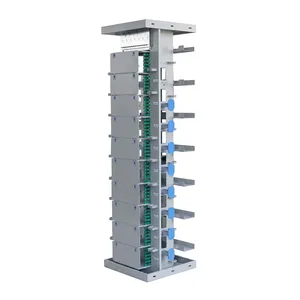
JODF-A1 Optical Distribution Frame
720-port ODF for central office and data center aggregation
View Product →Related Articles
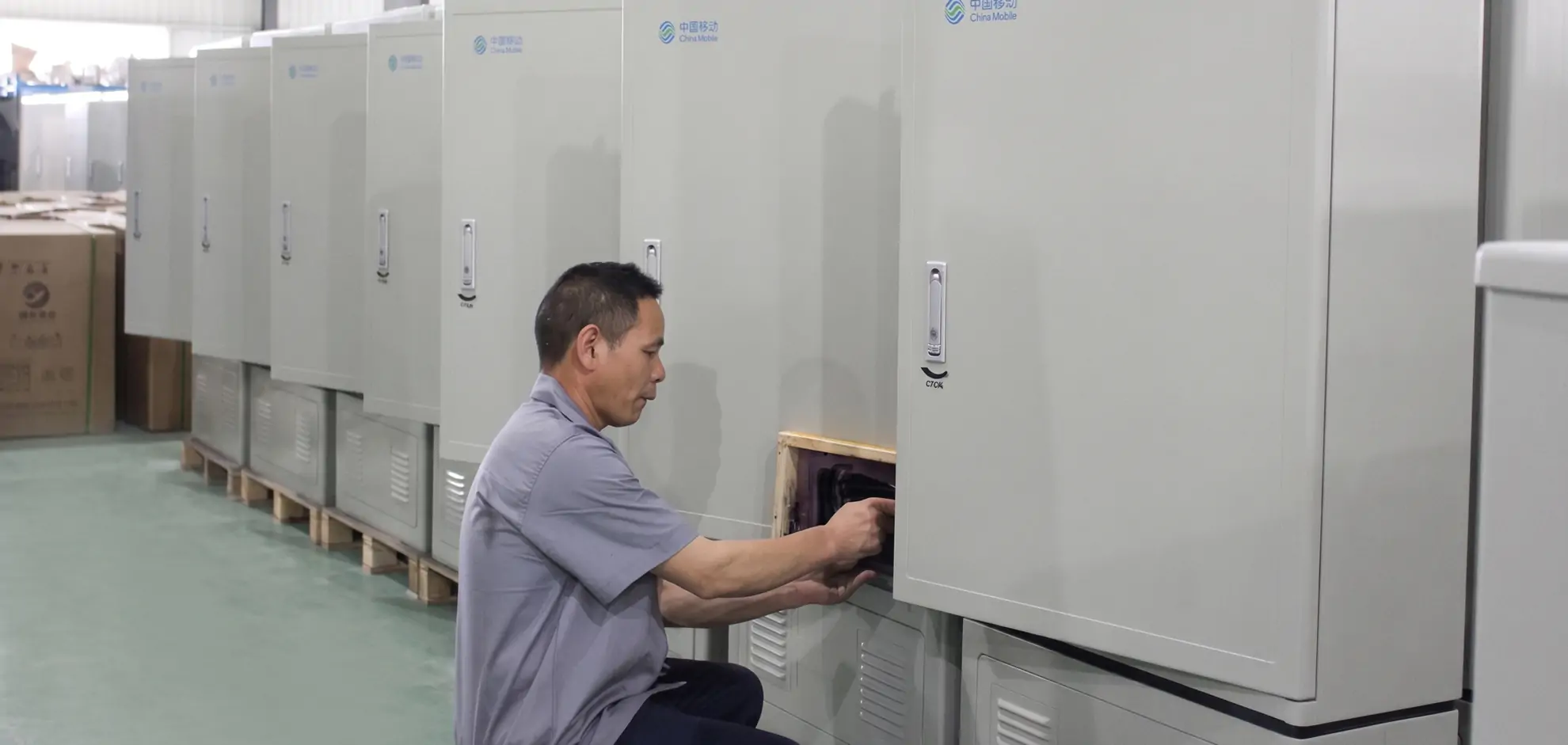
Fiber Distribution Cabinet Buying Guide
Capacity planning, material selection (SMC vs steel), IP rating, and splitter integration for outdoor FDC deployments.
Read Article →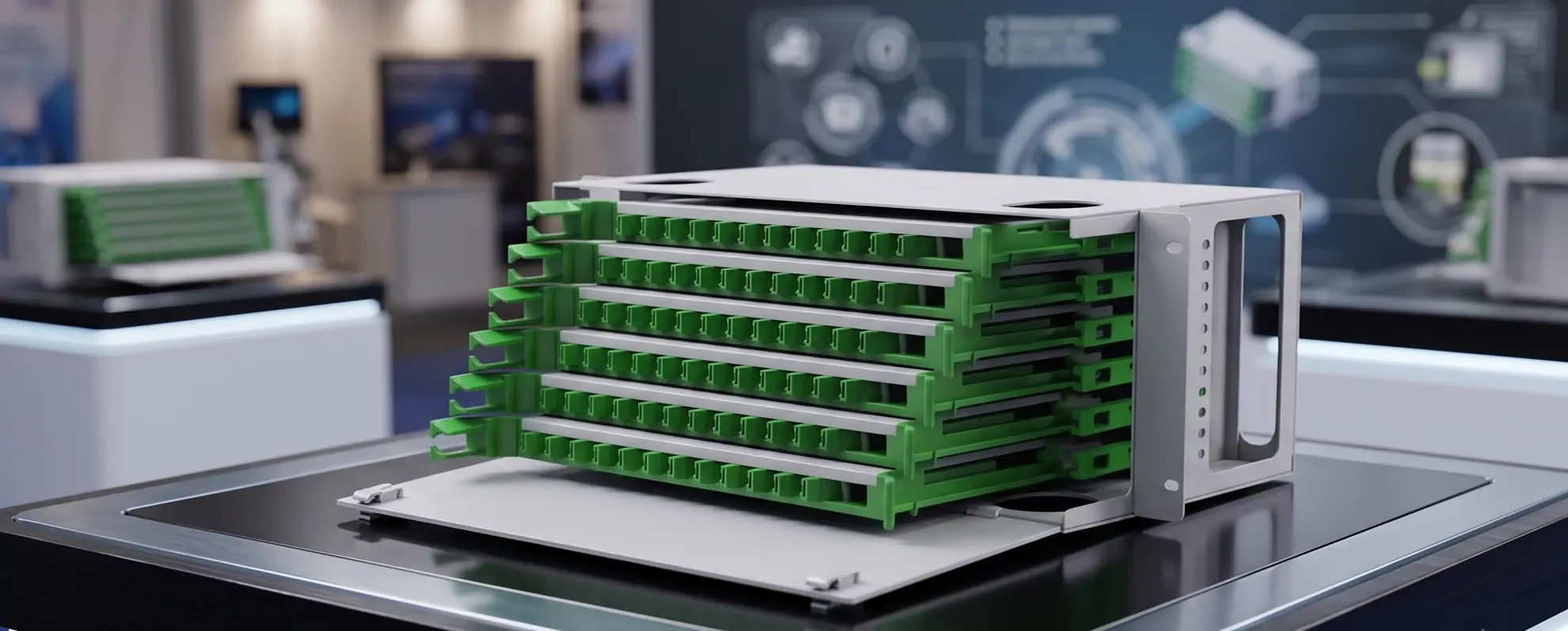
ODF vs Patch Panel: What's the Difference?
When to use an ODF frame vs a standard patch panel — capacity, modularity, and rack compatibility explained.
Read Article →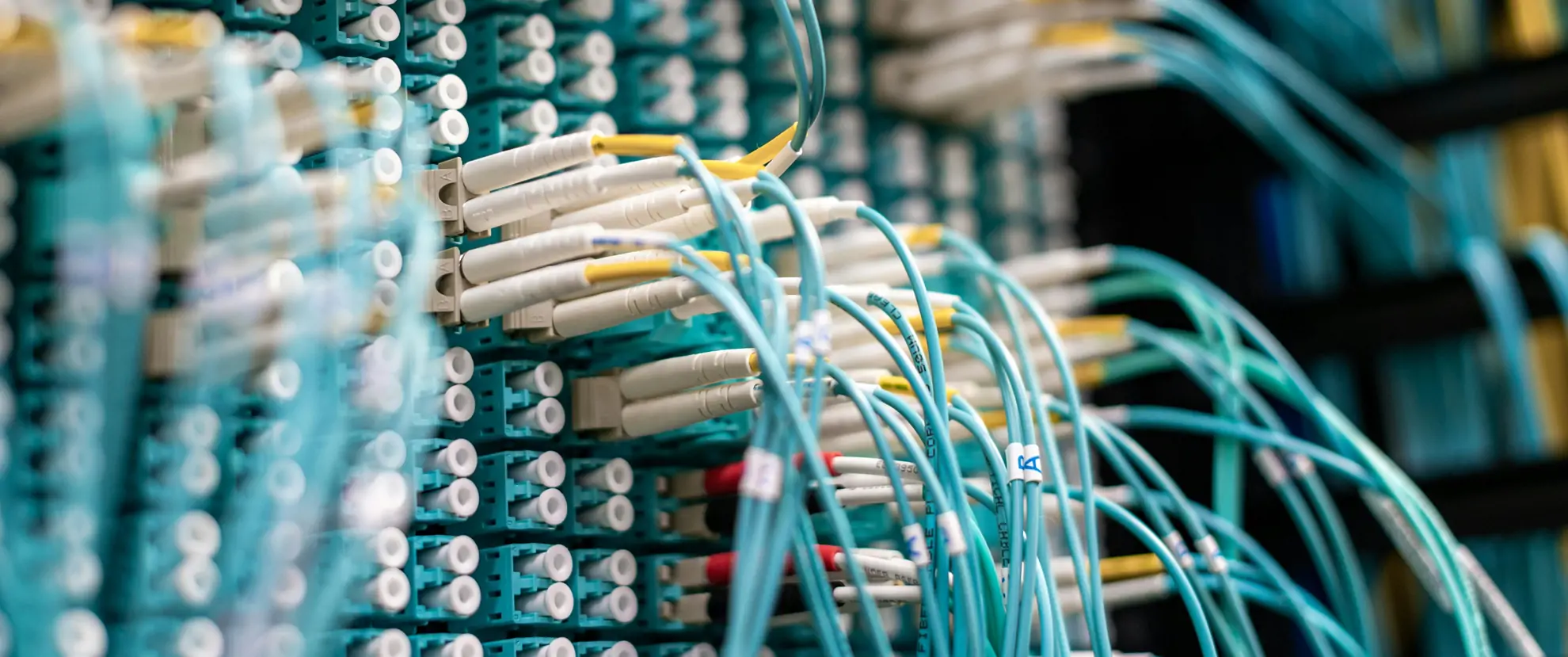
Fiber Optic Patch Panel Buyer's Guide
Port count, connector types (LC/MPO), adapter styles, and density options for indoor fiber patch panels.
Read Article →